Draw pixel art for games and animate it frame by frame.
A browser-based editor for sprites and animation, with a voxel mode for building 3D models from a frame. Start without an account. Projects are saved in this browser.
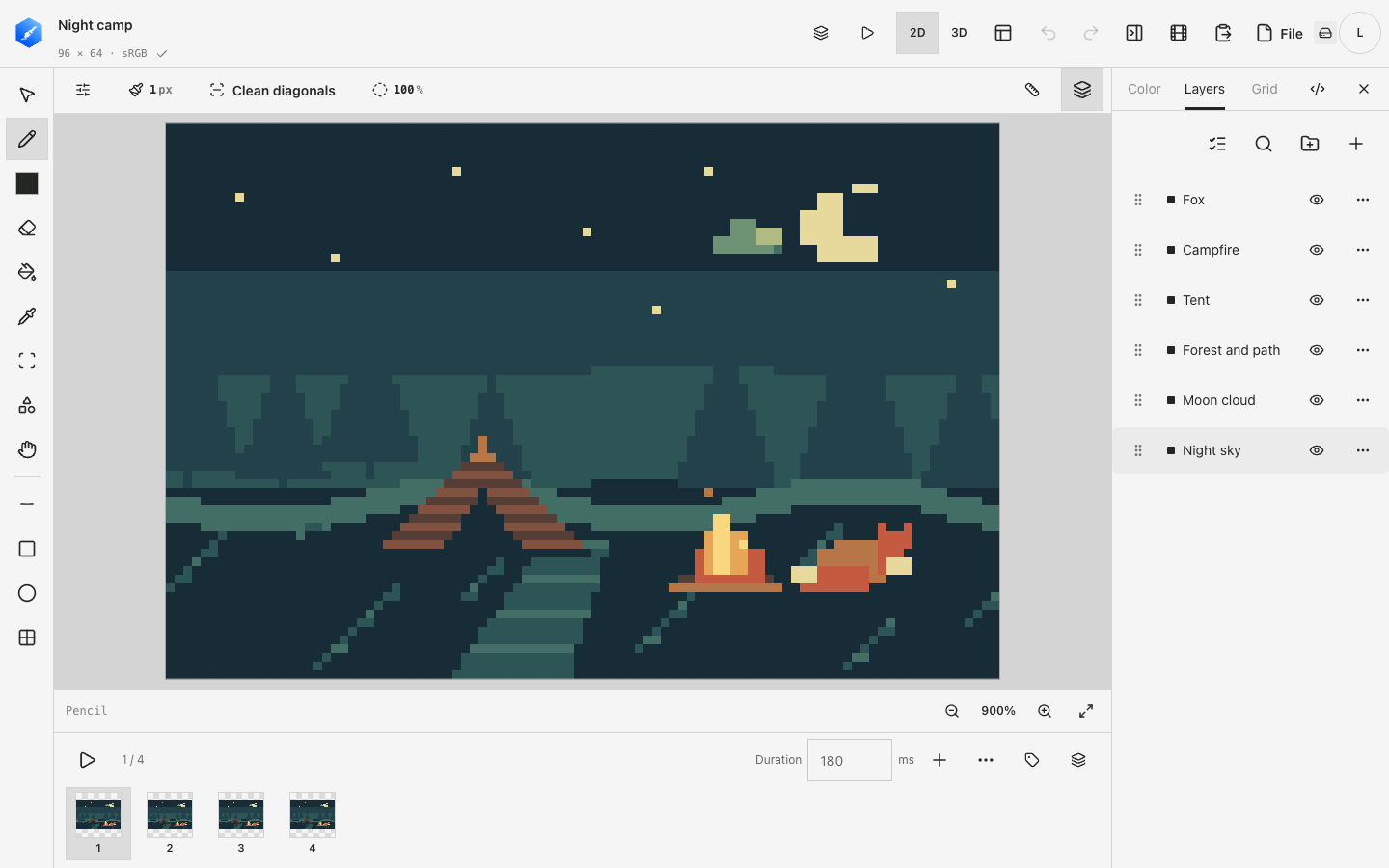
Try the editor with Night Camp
01
Open the sample
It opens in the editor with 6 layers and 4 frames ready to edit.
02
Edit the artwork
Choose a layer, draw on the canvas and switch frames to adjust the animation.
03
Export
Save a frame as PNG, export a sprite sheet as a ZIP, or export an animation.
Layers and frames
Draw on separate layers and switch between frames in one editable project.
Export for games and animation
Export a frame as PNG or a sprite sheet as a ZIP archive with PNG and JSON. Animation formats include GIF, APNG, animated WebP, MP4 and WebM. You can also export for Aseprite, Godot 4 or Unity 2D. Keep the editable project file to continue later.
Turn a pixel drawing into a voxel model
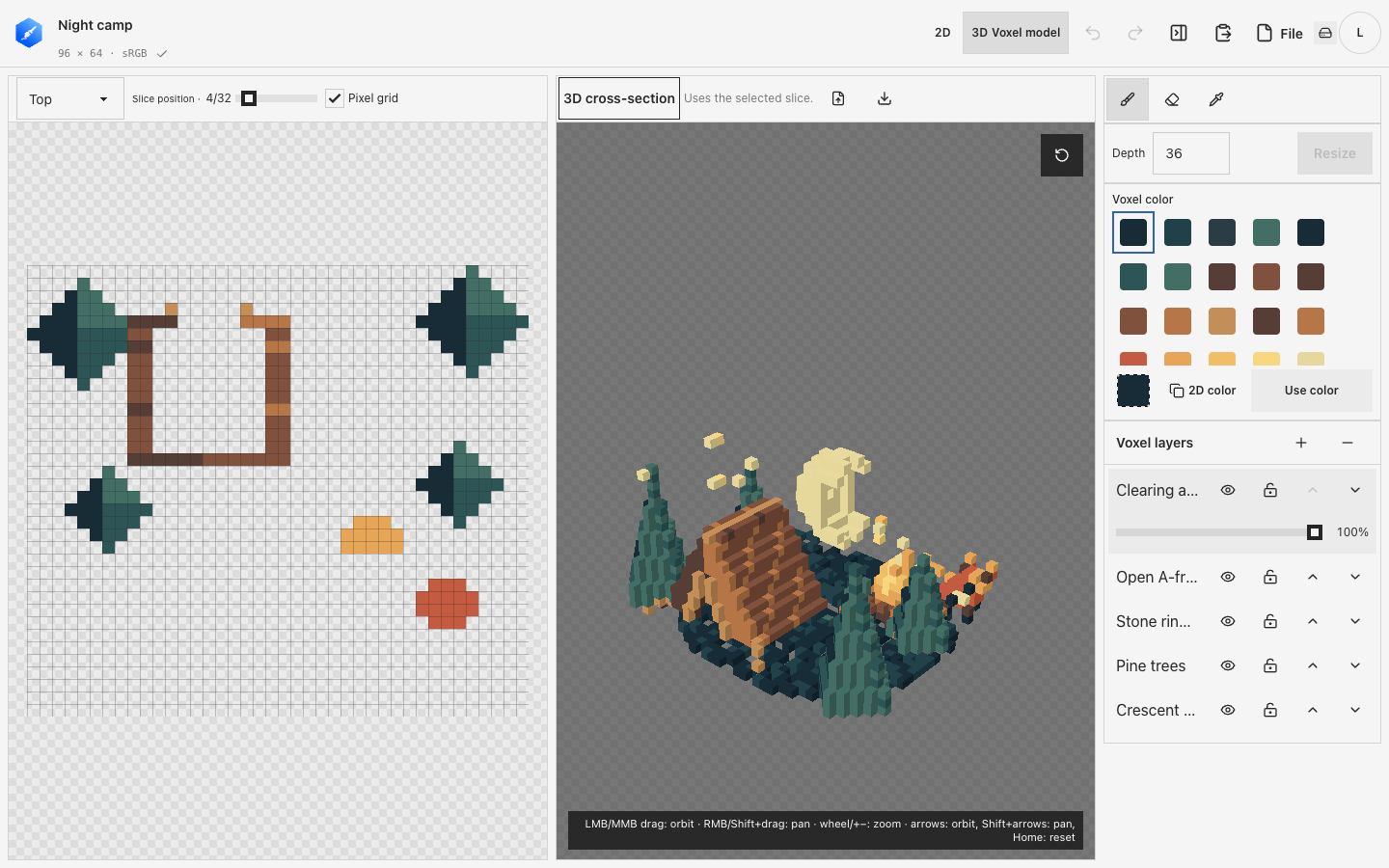
To create a model in a project without an existing voxel model, set a depth and extrude the current frame. Orbit the model, then paint or erase voxels on its front, side or top slices. The original artwork stays in the project. Import a VOX model or export your work as VOX or GLB.
You can also build a rough hull from aligned front, side and top drawings. Hidden recesses still need manual edits.
Open the sample directly in 3D. Its 2D artwork and animation are also available in the same project.
Projects stay in this browser
Projects are stored in this browser only. Export an editable project file to move your work or keep a backup. Clearing this browser's site data can remove saved projects.